



Summary
Motion analysis software spans a wide range of options, from free, open-source 2D video tools built for classrooms to multi-camera markerless systems generating full musculoskeletal dynamics for peer-reviewed research. The gap between these tiers isn't just technical since a system that works well for visual coaching will produce data that's unusable for research interpretation or peer-reviewed publications, and vice versa.
Knowing where each option sits on that spectrum, and what it actually delivers, will help you determine the right tool for your work.
This article compares six options: Theia3D, OpenCap, Kinovea, Tracker, ProAnalyst, and MaxTRAQ, with a focus on research and sports performance applications, while also touching on industrial, educational, and entertainment use cases.
What to Evaluate When Comparing Motion Analysis Software
What Does the Software Actually Measure?
The most fundamental question is whether the software produces the type of data your work requires. Not just whether it tracks motion, but what the output actually represents and whether it's precise enough to be actionable.
For engineering and industrial testing, the software must provide precise measurements for validation, safety, or performance analysis for objects or individuals. For biomechanics research and sports performance, it should provide biomechanical insights, joint angles, joint contact forces, and more, as you observe athletes.
For educational purposes, visual demonstrations and simplified analysis will suffice for the classroom. Recognizing why and how you'll be using the motion analysis software from the beginning makes it easier down the line to discern which software option you should choose.
If you work in entertainment, like with visual effects (VFX), animation, and video games, you want a motion analysis software that can capture, clean, and retarget motion data (an actor's movements) onto 3D or 2D models for rigging and real-time or post production rendering. The model or digital skeleton you'd be working with will act as a model you can then pose and animate to create smooth, realistic, and complex motions.
How Is Accuracy Validated?
For biomechanics researchers, practitioners, and sports scientists, this is one of the most consequential items on this list. The markerless motion capture (mocap) space in particular has a history of products that claimed lab-grade accuracy without the validation studies to support it, which has made this audience rightly skeptical of new entrants.
Look for independent, peer-reviewed validation against marker-based systems published in recognized journals rather than in white papers or case studies. The relevant metrics are how closely the system's joint angle measurements align with those produced by traditional marker-based systems under equivalent conditions, and whether that agreement holds across different movement types, lighting environments, and subject populations.
For AI-driven and markerless systems, validation includes direct comparison against accepted reference methods. This can look like comparison against marker-based systems such as Vicon or Qualisys for 3D kinematics, depending on the application, force plates for ground reaction force outputs, or other established measurement tools used in the field.
For entertainment, engineering, and education use cases, formal biomechanical validation is a lower priority. Tracking consistency, visual fidelity, and repeatability matter more depending on the application.
How Complex Is the Setup?
A system that demands a lot of setup time per session can limit how consistently it gets used. In a busy research setting or a field environment, setup friction tends to determine adoption as much as any technical consideration.
Traditional marker-based systems, for instance, typically require attaching retroreflective markers to a subject and adjusting lighting, all before a single trial can be recorded.
At the other end of the spectrum, 2D video tools require no special hardware, though if real-world measurements are needed from existing footage, the software still needs a visible reference object in the frame to calibrate against before any measurement can be taken.
Where your work sits on that spectrum should shape which tier of setup complexity makes sense for you. A game developer prototyping 3D models may prefer markerless capture using standard video cameras for its speed and flexibility. An industrial tester may willingly accept a more demanding setup in exchange for higher precision.
In a classroom, the priority is usually something simple and repeatable that works consistently across multiple sessions without technical intervention or training.
How Does It Integrate With Your Existing Tools and Data Formats?
Motion analysis software solutions rarely operate in isolation. For researchers and practitioners, it typically needs to work alongside force plates, electromyography (EMG) systems, or instrumented treadmills, and the data it produces needs to move cleanly into downstream analysis tools without a lot of conversion effort.
A standard file format in biomechanical analysis software is .C3D, which is compatible with analysis tools like Visual 3D, MATLAB, and OpenSim. If the software doesn't export to .C3D, or does so incompletely, it introduces friction at every stage of the analysis pipeline, while .CSV export covers more general data analysis needs.
For entertainment pipelines, compatibility with Blender, Maya, or Unreal Engine (typically via FBX or BVH formats) is the relevant consideration. Engineering teams generally need structured datasets exportable to .CSV or proprietary testing software.
Where Does Your Data Live, and Who Controls It?
Cloud-based and locally installed systems handle data differently, and the implications vary a lot by use case.
For researchers and practitioners, data sovereignty is a compliance requirement. Motion data of individuals is subject to HIPAA regulations, and cloud-based systems that retain copies of your data or process it on external servers introduce regulatory exposure that a locally installed system avoids. Before committing to a cloud-based solution, it's worth establishing exactly what data the vendor retains and under what terms.
For academic researchers, cloud processing raises questions about data ownership and whether proprietary experimental data might be accessible to third parties. For entertainment studios, the concern is typically IP protection over proprietary motion data. For educators, easy access tends to be preferred, and cloud-based tools are often the better choice for students working across multiple devices or locations.
Motion Analysis Software at a Glance
Solutions for Performance and Innovation Labs
Theia3D (Theia Markerless)
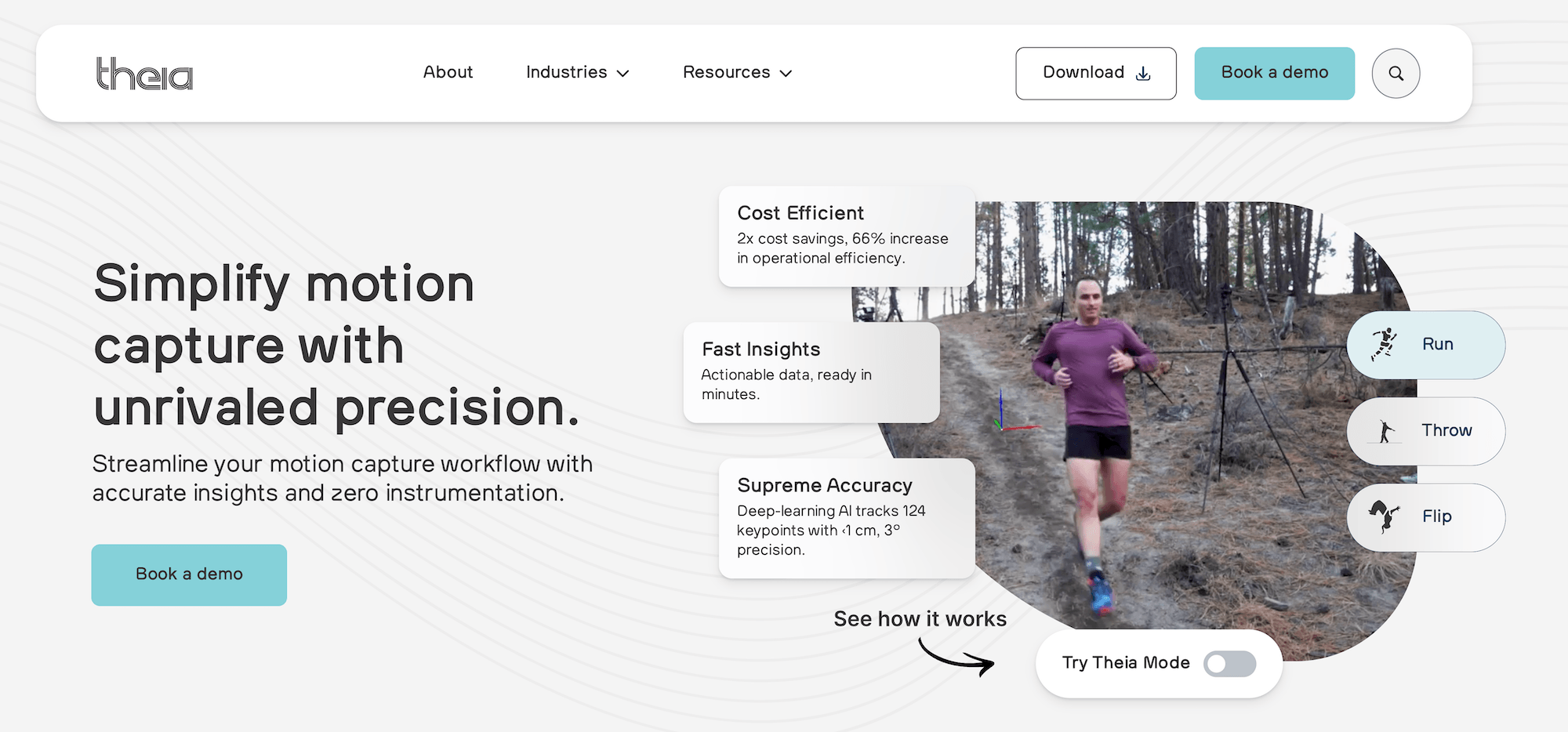
Theia3D is a markerless motion tracking software that eliminates the need for specialized training and instrumentation. This often saves researchers up to an hour of preparation time that they would otherwise spend applying markers, without sacrificing their ability to achieve precision. Practitioners have reported an impactful reduction of their collection and processing time from 60 to over 80% compared to their experiences with traditional optical motion capture.
Efficient Setup and Precise Data Collection
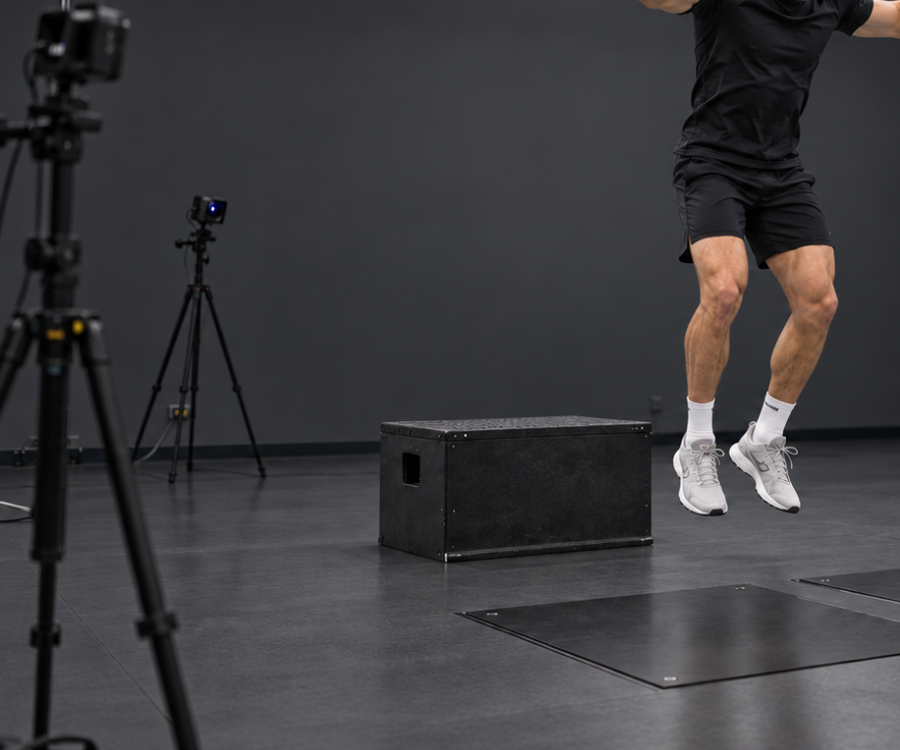
Theia3D requires no markers, sensors, or specialized suits. Participants wear their regular or athletic clothing and move without instrumentation, which means athletes perform as they naturally would rather than adapting their movement to accommodate markers.
It also eliminates a significant source of measurement error: with traditional marker-based systems, technicians may not place markers at exactly the same anatomical location across sessions, introducing variability of up to a centimeter or more in joint angle measurements. Because Theia3D identifies over 120 anatomical landmarks automatically and consistently, that source of error is removed.
You can set Theia3D up wherever you can physically mount multiple cameras, which includes many types of environments. Practitioners have recorded data for analysis in Theia3D at outdoor and indoor tracks, rinks, gymnastics centers, retail spaces, sidewalks, and other locations.
Using Theia3D requires eight well-placed cameras to record fully synchronized and high-quality video. We don't recommend any specific camera model per se, but offer guidelines on system requirements for resolution, frame rate, integration, and sync capabilities.
For instance, the cameras should synchronize video recording both among themselves and with signals from any external devices you may be using including EMG sensors, force plates, and instrumented treadmills.
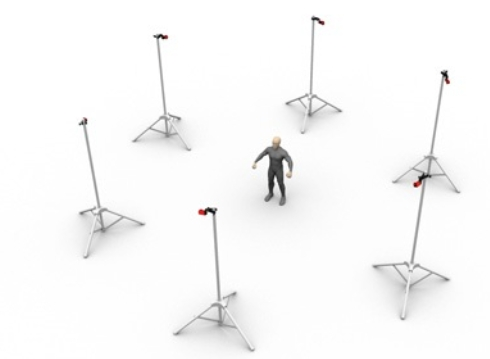
For calibration, we offer a custom proprietary board for you to use in the capture area, or you can simply record a short video of someone waving a standard active wand. Afterwards, you'll have your subject perform their tasks as normal.

Theia3D runs on a local server using consumer-grade NVIDIA GPUs and doesn't require internet connectivity. No video, participant, or analysis data is ever transmitted to Theia or any external provider. This is especially relevant for sports teams, research institutions, and organizations with data governance requirements.
Theia3D can also capture multiple subjects in a given volume. The software automatically identifies each person in the frame and maintains an independent 3D skeletal model for each, provided they remain visible across at least three camera views simultaneously.
In crowded scenes and to minimize occlusion, Theia prioritizes the subject closest to the center of the calibrated volume by default, though you can manually designate a specific person of interest in the settings.
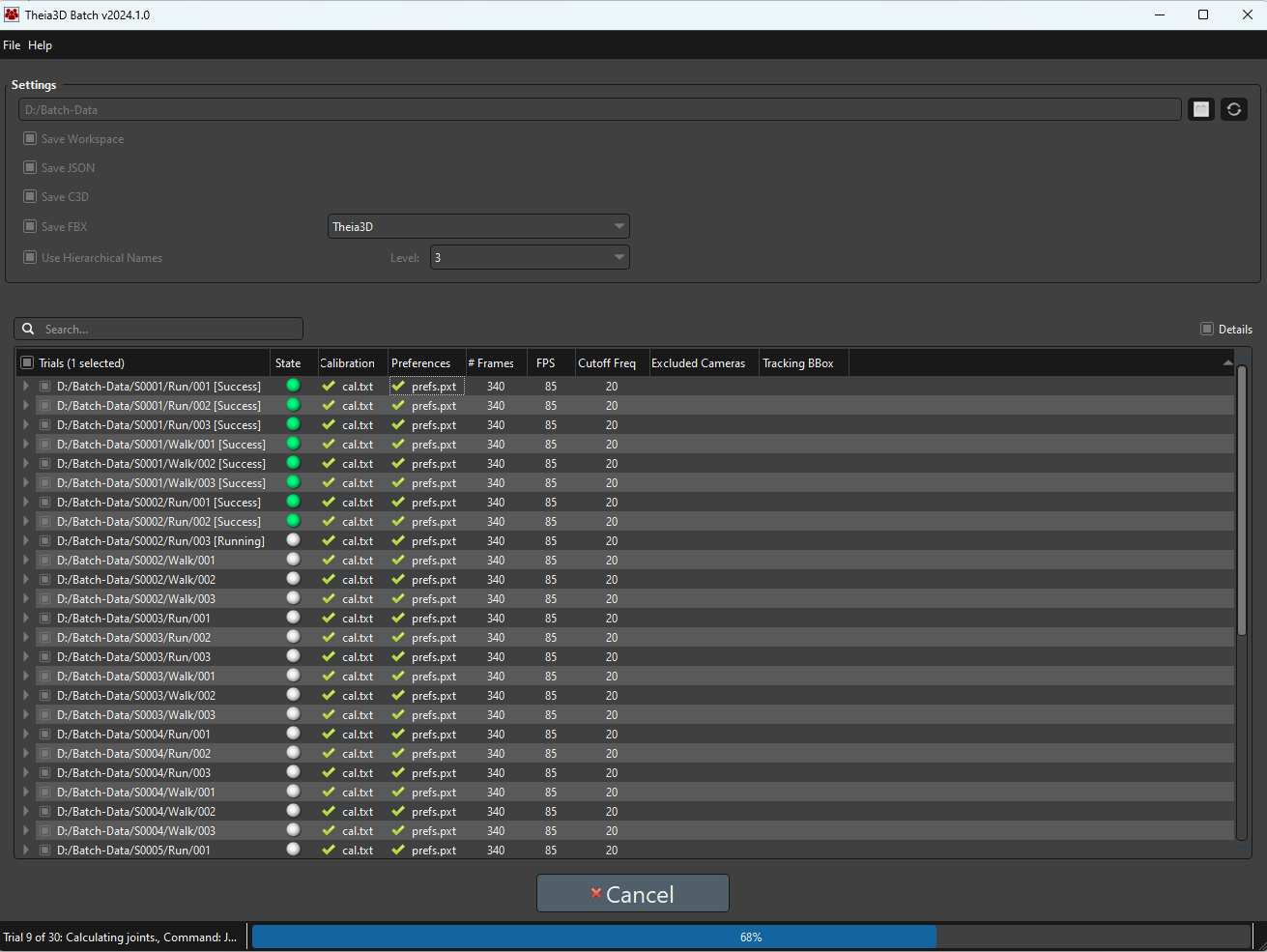
For labs that require a large number of trials, Theia3D Batch automates the work by sequentially running hundreds of trials without requiring supervision. This application lets users compile a trial list, assign the correct calibration files, and choose the appropriate analysis settings.
Translating Synchronized Video Into Kinematic Data for Analysis
The key points Theia3D tracks are fitted onto a 3D skeleton modeled after user-specified joint constraints. This process is highly precise as our models have been trained on over 100 million images in over 1,000 distinct environments. The resulting skeleton has 17 body segments and allows you to make precise measurements and observations including segment positions, joint angles, spatiotemporal gait parameters, and more.
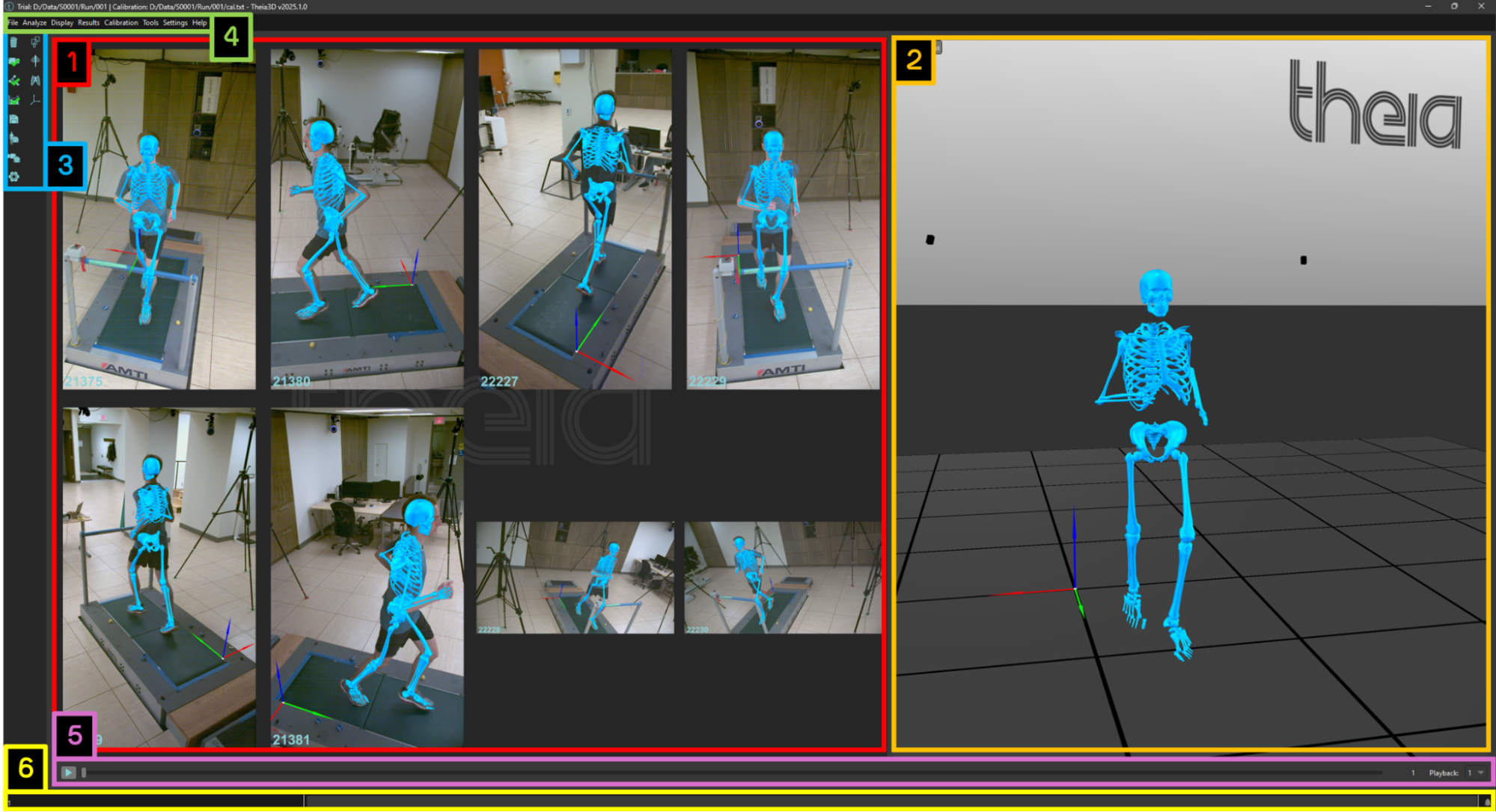
Theia3D also offers customers the option of using the Generalized Cross-Validation Spline (GCVSPL) method to automatically clean up motion data to accommodate whenever a body part is briefly hard to see on video or if small errors arise, such as the video picking up movements outside the subject.
Theia3D will fill in the missing pieces and smooth out the captured motion so that the rendering is more complete, stable, and ready for analysis.
Users can save their Theia3D motion data in standard file formats including .C3D, .FBX, or .JSON. When exporting your files into a .C3D extension, Theia3D can save both raw unfiltered poses and smoothed filtered poses, offering users the flexibility to work with both should they need it. You can then export your data directly into downstream analysis environments such as Visual3D, Vicon Nexus, Qualisys Track Manager, Python, or MATLAB.
Validated by Independent, Peer-Reviewed Studies
No other markerless system has been validated to the extent of Theia3D as evidenced by the more than 50 independent, peer-reviewed studies from leading research institutions that have evaluated the system's performance.
For example, Theia3D has been shown to capably estimate the whole-body center of mass, its position, and whole-body angular momentum, making it a suitable tool for balance studies, walking analysis, and other whole-body assessments.
Studies such as this one on treadmill running also report strong agreement for spatiotemporal measures such as step length, cadence, and stance time.
Lower-extremity kinematics compare well with marker-based systems during gait, especially in the sagittal and frontal planes, where the two systems show similar joint-angle patterns and generally small differences.
Beyond kinematics, the system has shown strong performance in predicting kinetic variables from motion data alone, including close agreement with reference measures for ground reaction forces across a range of movement tasks, establishing that Theia3D isn't only useful for generating visual motion traces, but also for supporting deeper biomechanical analysis.
Repeatability is another documented strength. Because the system doesn't rely on manual marker placement, it avoids a common source of measurement error and has shown consistent results across repeated sessions, even in research cohorts such as individuals with knee osteoarthritis. That's especially important in longitudinal use cases such as recovery research and repeated movement assessment, where practitioners need to know whether movement patterns are truly changing over time.
As with any biomechanical system, Theia3D should be evaluated for the specific task, joint, and movement plane needed for a given application, rather than assumed to be equally accurate in every use case.
To see how Theia3D performs in your specific environment and use case, contact our team directly.
OpenCap
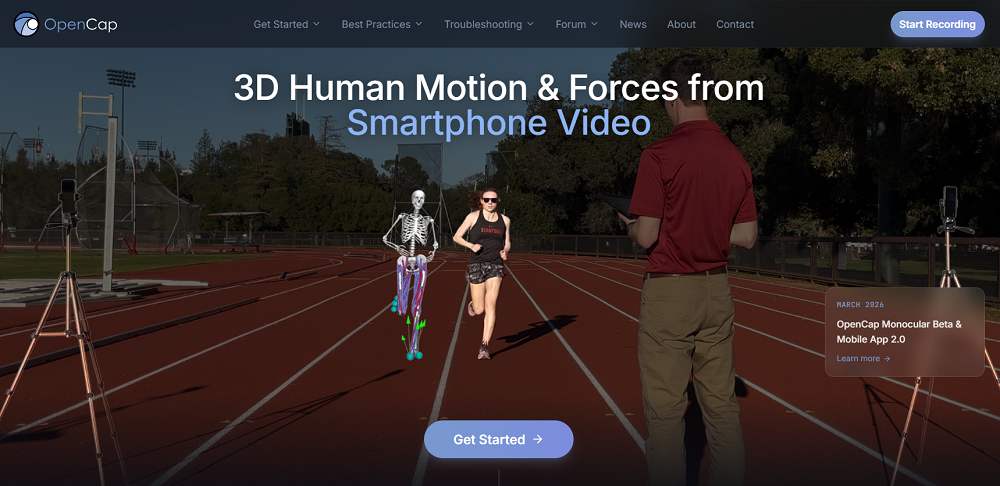
OpenCap is open source and free to use in non-commercial research and education. A project based at Stanford University and the University of Utah, OpenCap uses videos from iOS devices and leverages deep learning and biomechanical models to estimate human movement dynamics, making movement analysis accessible with web-based data collection and cloud-based musculoskeletal simulation. You can then download your results and use Python to further estimate the kinetics.
OpenCap only works with iOS devices released in 2018 or later and has specific recommendations on which tripod, phone holder, and calibration stand to use. It'll automatically process and store your data in the cloud, but you maintain full control.
Features include:
- Synchronous markerless motion capture with iOS devices and movement reconstruction in three dimensions
- Joint-level biomechanical outputs (angles, movements, and loads)
- Muscle-level outputs (estimated muscle activations and identifying which muscles are most active during movement)
Kinovea
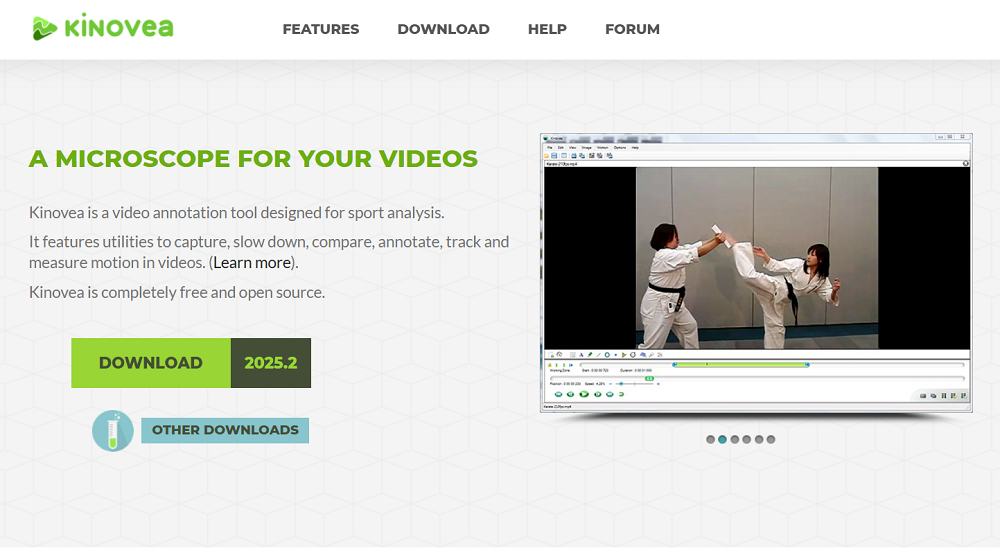
Kinovea is a free, open-source, video annotation tool that's used for studying human movements without full 3D motion capture. Kinovea allows users to capture, slow down, compare, annotate, track, and measure motion in 2D videos. By closely observing a video frame by frame, you can take meticulous note of and manually and accurately measure angles, distances, and times. Adding labels, arrows, lines, descriptions, and other markers directly onto the videos themselves can further help you be as exact as possible, especially for measurements such as point positions, linear velocities, and angular accelerations.
Kinovea's video player is based on FFMpeg libraries and can read and play many video formats. The software has also been translated into 26 languages for wide accessibility. You can save annotations permanently on video frames as .KVA files and export them as new videos or import them onto other videos. Time series and other measurements can be exported as tabular data in .CSV format.
Features include:
- Slow motion playback, representation of time in various units (frame number, total milliseconds since start, classic timecode format)
- Side by side video comparison and synchronization, annotation, inspection of movement sequences, image transformations, video overlay
- Measurement tools for positions, distances, angles, and time-based observations
- Grid-based calibration that allows for rotated or perspective-aware coordinate systems, can compensate coordinate system for lens distortion
- Tracking capabilities (point trajectories, evolution of a multi-point object, distances, and angles across frames)
Solutions for Industrial Testers, Educators, and Entertainment Professionals
Tracker
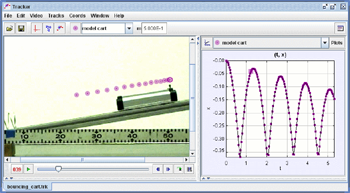
Tracker is a free, open-source video analysis and modeling tool, designed for physics education and built on the Open Source Physics (OSP) Java framework. The software is reportedly used by over 2 million users in 31 languages.
With Tracker, you can combine your videos with computer modeling, building kinematic and dynamic models of point mass particles and two-body systems. You can also overlay your models, automatically synchronizing and scaling them to your video for direct comparisons.
Tracker can only open videos with the .MP4, .AVI, .WMV, .FLV, or .MOV extensions and has specific setting preferences for iPhone versus Android users. It also has multiple calibration options: you can create a calibration stick, calibration points, or an offset origin.
Features include:
- Interactive graphical vectors and vector sums
- Manual and automated object tracking with position, velocity, and acceleration overlays and data
- RGB line profiles at any angle and time-dependent RGB regions
- Center of mass tracks and other reference frames
- Kinetic and dynamic models (point mass particles, two-body systems)
- Fixed or time-varying coordinate system scale, origin, and tilt
ProAnalyst 2023 by Xcitex
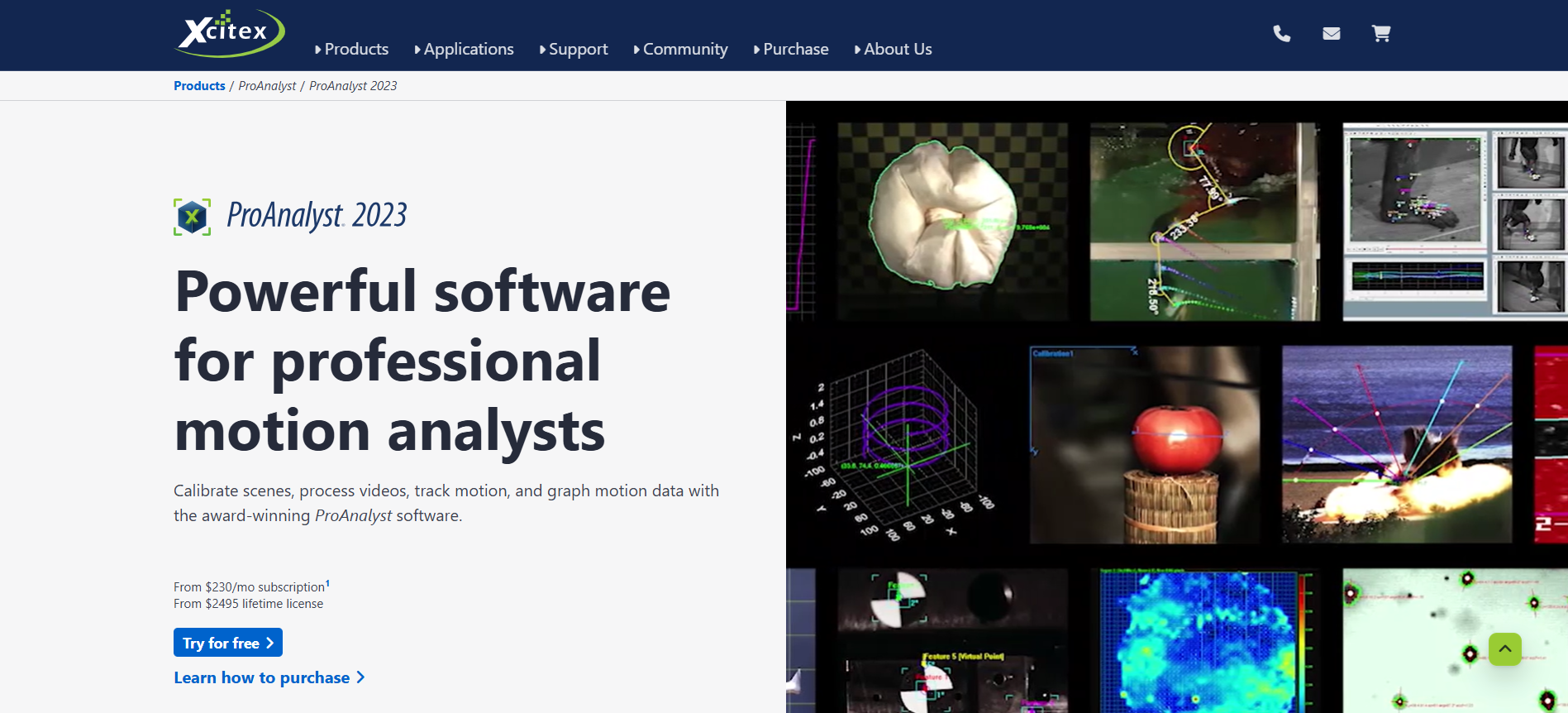
ProAnalyst 2023 by Xcitex includes over 20 analysis toolkits for motion analysts.
Among these are:
- Particle tracking
- 3D stereoscopy
- Image stabilization
- Perspective calibration
- Contour tracking
- Particle image velocimetry (PIV)
Researchers have used ProAnalyst 2023 to stabilize, calibrate, and process images, track features to measure motion quantities in both 2D and 3D, compute angle and distance measurements from these tracked features, and graph their motion data within the software for further analysis and future export. Xcitex features example application videos of their ProAnalyst software being used for various fields of study and industries from automotive to aerospace.
The software uses an advanced camera calibration algorithm to combine 2D and 3D coordinates of control points to construct a virtual 3D coordinate system that mirrors the real world. They also offer a specific set of calibration fixtures in various sizes and materials to help with 3D calibration.
To get started with 3D analysis, all you need is a set of control points, or points with known 3D coordinates, an image of these control points taken with a camera, and the built-in 3D analysis tools within the software itself.
MaxTRAQ 2D and MaxTRAQ3D by Innovation Systems Inc.
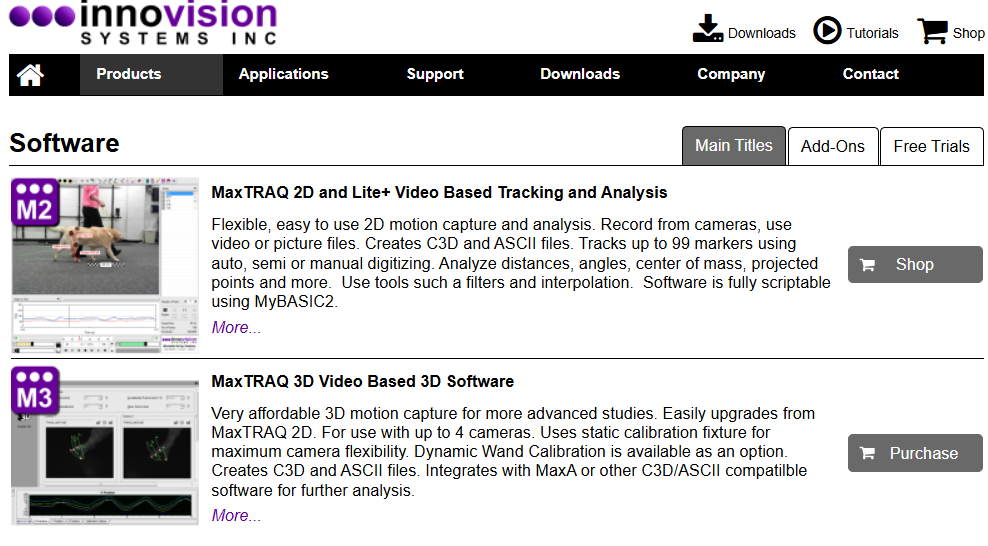
Innovation Systems Inc. features a wide range of motion capture and analysis software with MaxTRAQ 2D and MaxTRAQ 3D on top. MaxTRAQ 2D is a flexible and simple 2D motion capture and analysis software that you can use if you record on webcams, camcorders, or from their Sentech or Max300 cameras. You can also import a series of picture files or a video file recorded with any camera.
After recording or importing your video, you can digitize points of interest yourself or use their Automatic Marker Tracking feature. Afterwards, you can filter and interpolate your data, applying any of the provided tools: angles, distances, projected points, or body Center of Mass. You can create stick figures, apply notes to selected frames, measure lengths or heights, and scale images to your liking.
Features include:
- Ability to measure angles, distances, lengths, heights, projected points, COM
- Three tracking and digitizing modes: manual, semi-manual, and auto-tracking with markers
- Ability to graph position, velocity, acceleration, distance, and angles
- Video formats: .avi, .mp4, .mov, .mqr, and more
- Picture formats: .bmp, .jpeg, .tif, and .png
MaxTRAQ 3D uses MaxTRAQ 2D to record, track, and digitize camera data, combining 2D coordinates into 3D. You can use MaxTRAQ 3D with markers or without using manual or semi-manual tracking.
Features include:
- Static calibration fixture for maximum camera flexibility or a dynamic wand calibration module
- Ability to create .C3D and ASCII files
- Ability to use up to 4 cameras and 99 markers
Start with State-of-the-Art Motion Analysis Software
Book a demo of Theia3D to see how our markerless motion capture software analyzes movement data and enables high-fidelity biomechanics in real-world settings.
Disclaimer: This article summarizes motion analysis approaches for research and performance applications. Theia3D is a motion analysis software platform and is not intended to diagnose or treat medical conditions. Interpretation and application of results are the responsibility of the user.