Search
Thank you! Your submission has been received!
Oops! Something went wrong while submitting the form.


Both options run on Miqus cameras and use QTM calibration. Where they differ is in what they can track and how they fit into your analysis.

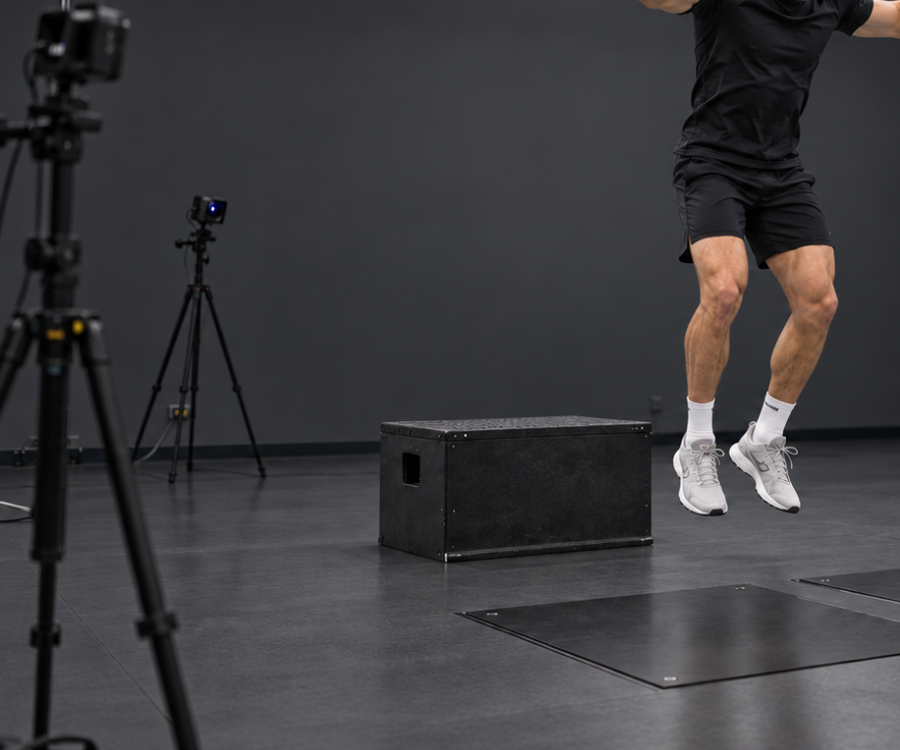
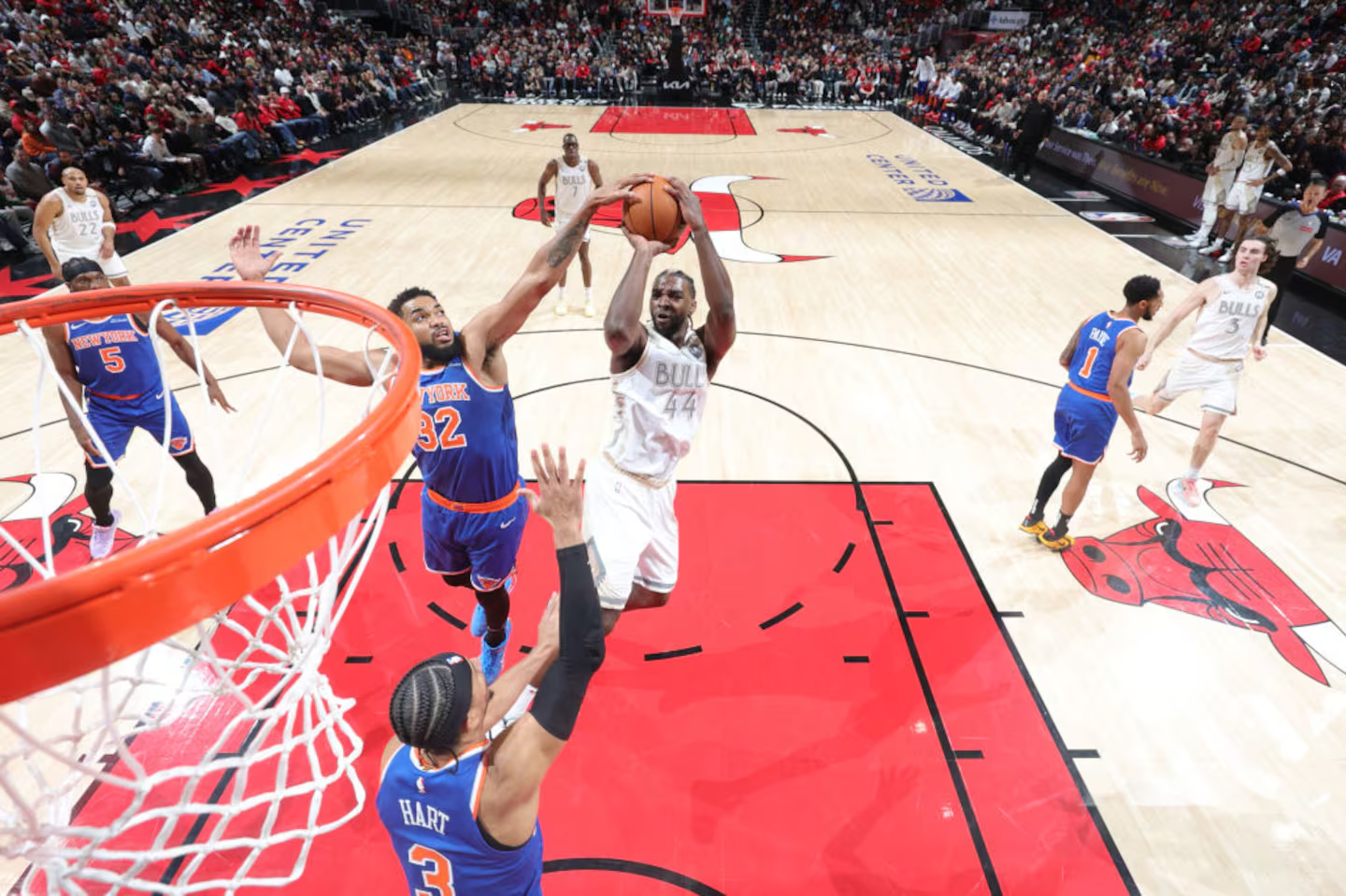
Participants wear their own clothes; no markers are needed. In the NBA's league-wide program, which runs Theia3D on Qualisys Miqus Video Plus cameras, each assessment takes about 15 minutes.

Theia3D tracks several people in the same trial, as long as each is visible in at least three camera views. Partner tasks and group drills fit in one capture.

Theia3D processes all video on your lab's own computer. It sends nothing to Theia or to a cloud service.
Theia3D fits into Qualisys workflows. QTM calibrates, records, and syncs your devices. Theia3D tracks the body. Visual3D combines the data and builds your reports. The Theia3D module in QTM can run the last two steps automatically.

Use the Qualisys wand and L-frame, the same calibration you use for marker-based work.
QTM records force plate, EMG, and other device data in sync with the video.
Theia3D tracks 124 keypoints in every camera view and fits a 3D skeletal model. Export the results as .C3D, .FBX, or .JSON.
Visual3D can combine Theia3D files with your force plate and EMG data, calculate joint angles and joint moments, and build your reports.
“Theia3D has been part of the QTM workflow for years, and many Qualisys labs have built their research on it. For labs with extensive research requirements, Theia3D in QTM remains a trusted and seamless integration, and one we continue to support.”

More than 300 customers use Theia3D with their Qualisys systems, in research, sport, and entertainment.
“Theia3D enables biomechanics research across diverse participant populations and environments where traditional systems may be impractical, from labs to real-world performance settings. We have also been able to deepen collaborations within the department of athletics by bringing the technology out into a more natural, sporting environment. Meeting athletes where they play and perform is crucial to enable high fidelity data collection.”
“Gone are the days of multi-year training for motion capture. We have been able to use Theia3D to facilitate large-scale, multi-site projects despite turnover to our graduate student body. Theia3D provides a new, standardized paradigm for big data collection.”

“We’re not aware of anything quite like this league-wide in the world.”
A desktop PC with a CUDA-capable NVIDIA GPU (graphics card) that has at least 8 GB of memory and compute capability 7.0 or higher, plus at least 24 GB of RAM. Theia3D can use more than one GPU. Theia recommends 32 GB of RAM, an eight-core processor, and a dedicated desktop rather than a laptop, since laptops process more slowly.
Theia3D needs at least 6 Miqus video cameras, and Theia recommends 8 for most capture volumes. One QTM computer runs up to 16 or 24 video cameras, depending on its processor, and larger labs link several synchronized QTM systems. Every joint must be visible to at least three cameras.
Yes. Qualisys video cameras calibrate together with your marker cameras in QTM, so a single capture can record both. Qualisys calls this combination True Hybrid. A Miqus Hybrid camera records either markers or video in a given capture, and you switch modes from a button in QTM. Theia3D tracks only people, so marker cameras in the same capture can track equipment or objects.
The four steps above show each stage. Theia3D processes video after capture, not in real time. Processing time depends on trial length, frame rate, the number of cameras and people, and your computer. For whole sessions, Theia3D Batch works through a list of trials without supervision. Theia recommends checking the calibration and a sample trial first.
You calibrate in QTM with the Qualisys wand and L-frame, and Theia3D uses that calibration directly. Miqus video cameras switch to marker mode automatically during calibration, which lets them detect reflective markers on the wand. Qualisys calibrates each camera's lens in-house before it ships, so your lab doesn't need a separate lens calibration step.
QTM also synchronizes inertial sensors, eye trackers, and instrumented treadmills, and Theia3D supports setups with Bertec, AMTI, and TreadMetrix treadmills. Because Theia3D uses the QTM calibration, its results share the same global reference frame as your force plates, with no separate alignment step.
Theia's packages include Visual3D. When you open a Theia3D file, Visual3D applies a ready-made model scaled to that participant, so there's no model to build by hand. Qualisys also offers analysis modules for gait, running, and baseball that take a session from capture to report in a few clicks. Labs that write their own analysis can work with Theia3D's exports in Python, MATLAB, R, or Excel.
Theia3D triangulates the keypoints from every camera view into 3D, using the camera positions from the QTM calibration. It then scales a skeletal model to each participant and fits it to those points, frame by frame. The output is the position and orientation of each body segment, and joint angles come from those segment poses. Visual3D can also calculate joint powers from force plate data. Theia publishes the full model definition in its documentation.
Your lab does. You decide where the video, pose data, and reports are stored, and who can see them. You can share results with collaborators while keeping to your privacy and data-sharing requirements.
Theia3D is backed by 60+ peer-reviewed studies, with published studies on Qualisys hardware covering gait, sprinting, pitching, throwing, boxing, and balance, in adults and in children. Many studies compared Theia3D with Qualisys marker cameras recorded in the same QTM session. Agreement varies by task, joint, and plane, so check the published results for the movements you study.
Theia3D processes video after capture, not in real time. Each joint must be visible to at least three cameras. Rotations about a segment's long axis, such as hip and knee rotation, are less accurate than flexion and extension, and a 2025 systematic review also found poor accuracy for hip flexion. When people overlap for long periods, tracking accuracy drops. Fast movements such as pitching and sprinting need high frame rates and short exposures to avoid motion blur.
[Kyle to answer: Theia, Qualisys or both, and who handles support.]
Book 30 minutes with our team to review your cameras, your research, and your questions about QTM, licensing, and support. After you send the form, Theia's team will contact you to arrange the call.